Taxation (Botswana)
Self-paced. 100% online. Built for the 3-hour computer-based exam: 6 syllabus Parts, 19 study units and 115 outcomes from the official syllabus, taught with the J26–J27 tax tables. Try a free quiz, then be in class in 60 seconds.
Watch overview (5:33)Your path to a pass
Four small steps. Every step has a free way in.
Watch: how the TX-BWA course works (5:33)
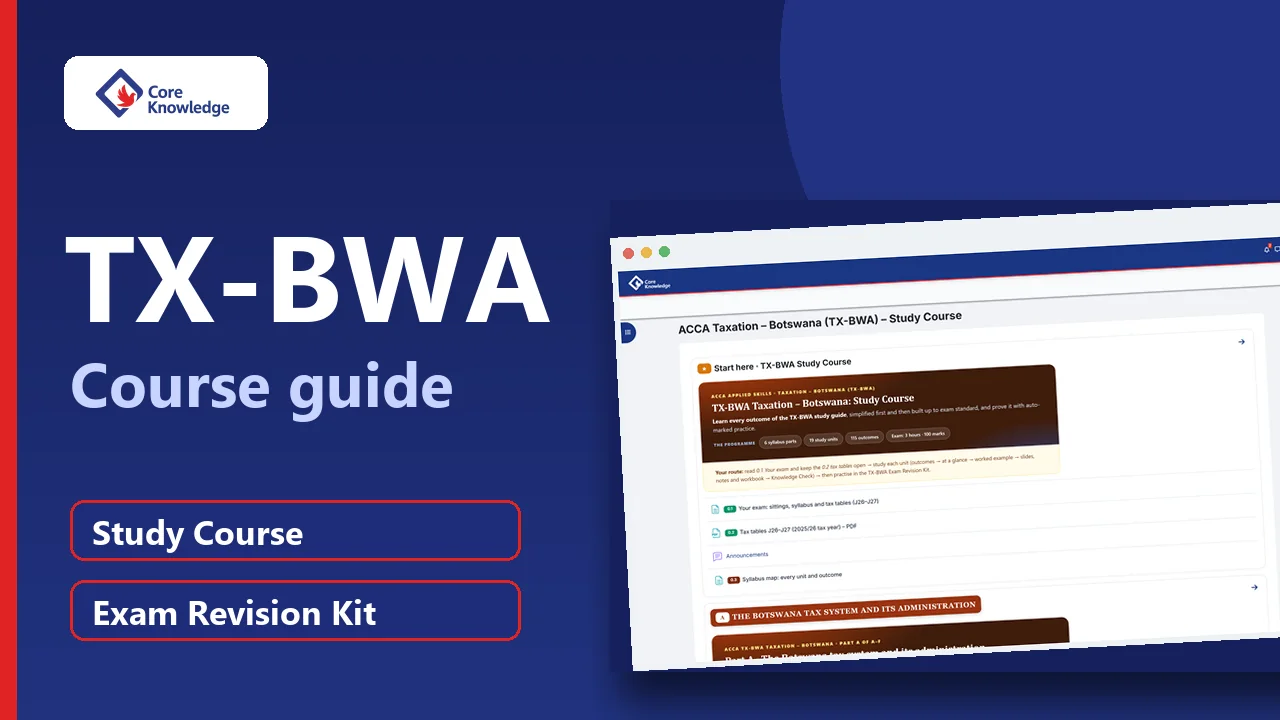
The video could not be loaded.
Open the video file or watch it on YouTube.
Data saver is on, so the video loads in 480p. Choose a higher quality in Settings if you wish.
Keyboard shortcuts and zoom tips
- Space / K
- Play or pause
- Left / Right
- Back or forward 5 s (pan when zoomed)
- J / L
- Back or forward 10 s
- Up / Down
- Volume
- M
- Mute
- C
- Captions
- F
- Full screen
- I
- Cinema mode
- T
- Change size S, M, L, cinema
- + / -
- Zoom in or out
- Z or R
- Zoom to a point or reset
- < / >
- Speed
- 0 to 9
- Jump to 0 to 90 per cent
- Esc
- Close cinema or menu
Zoom: scroll the wheel over the video while in cinema or full screen, pinch on a phone, or double-click or double-tap a spot. Drag to move around. The small map shows where you are.
Read the transcript
Welcome to ACCA Taxation Botswana, TX-BWA.
This guide shows you how to move through it.
From the first click, to your first quiz, to full exam practice.
Your journey has six stops: the website, enrolment, the Online Study Course, the Revision
Kit, the book, and help.
Learn it.
Practise it.
Prove it.
Let's begin.
Start on the TX-BWA page of our website.
Type the address exactly as you see it on your screen.
The top of the page sets out the course: six parts, nineteen study units and one
hundred and fifteen outcomes.
The syllabus map lets you pick a part, then an area, and see what you will
master.
Not sure yet?
Try the free test.
Five questions, in five exam question types.
Choose your answers, then press Check my answer.
It is marked straight away, with the reason.
Further down, see what you get: study units, workbooks, knowledge checks, drills
and two full mock exams.
Choose your access: the Online Study Course, the Online Revision Kit, or both together.
Press Enrol.
The form already shows the course you chose.
Add your name and email, accept the terms, and press Start learning.
A few seconds later you land in your course, already signed in.
Your login details arrive by email.
Next time, press Learner log in at the top of the page, then enter your username and
password.
This is your Online Study Course.
It opens with a Start here block, and your route through the programme.
Read 0.
1 first: your exam.
Keep 0.
2, the tax tables, open as you study.
The syllabus map, 0.
3, lists every unit and outcome, so you always know where you are.
Below, the course follows the exam: Part A to Part F, with a study unit in each.
Open the course index on the left to jump to any part or unit.
Open a unit.
Capital allowances shows what you will be able to do, and your route through nine
steps.
One, learning outcomes.
Two, an at-a-glance page.
Three, a worked example.
Four and five are slides and study notes, both to read online.
Six, a workbook with activities and exam questions.
Seven, a knowledge check.
Eight and nine lead into the Online Revision Kit: a Section A drill and Section B
practice.
The learning outcomes page explains each outcome in plain English, and says where
it is taught and tested.
The slides play in your browser.
Scroll through the deck at your own pace.
Now prove it.
Open the knowledge check: fifteen questions, marked automatically.
Aim for seventy percent.
Press Start practice quiz.
Every question shows the outcome it tests.
Choose an answer, then press Next page.
The panel on the right tracks your progress.
Questions come in different forms, like drop-down gaps and matching, as in the
exam.
At the end, check the summary, then press Submit all and finish.
You see your score, and for every question, a clear explanation with the
working.
Your grade report lists every quiz with your score, so you see progress as you go.
Weak area?
Go back to that unit, study it again, and take the quiz again.
When you are ready for exam practice, open the Online Revision Kit.
Its Start here block gives the route: drills for each part, two mock exams, then
a readiness check.
Open a Section A drill: twenty multiple-choice questions, in the exam
format.
Then take Mock exam one.
Fifteen multiple-choice questions and six exam questions, in three hours.
Finish with the exam readiness check, and use your grade report to see where you
stand.
Prefer to study on paper?
The Study Text and the Online Revision Kit books follow the same parts.
Open the Books page.
Choose print, digital view-only, or both.
Ordering is by enquiry; Look inside previews free.
Stuck?
Every course page has Contact site support and contact links at the bottom.
Or use Ask us a question on our website.
We reply within one working day.
Learn it.
Practise it.
Prove it.
That is your TX-BWA route, from first click to exam practice.
Need help?
Our contact details are on your screen.
Ready when you are
Pick a Part, then an area, to see exactly what you will master
Test yourself on TX-BWA now
Five question types from the study units, instantly marked, each tagged to its syllabus outcome: matching, drop-down gaps, number entry, multiple response and multiple choice.
Prefer a book? Two Books, paired with the online products
BOOKS Print or digital. Yours to keep (print).
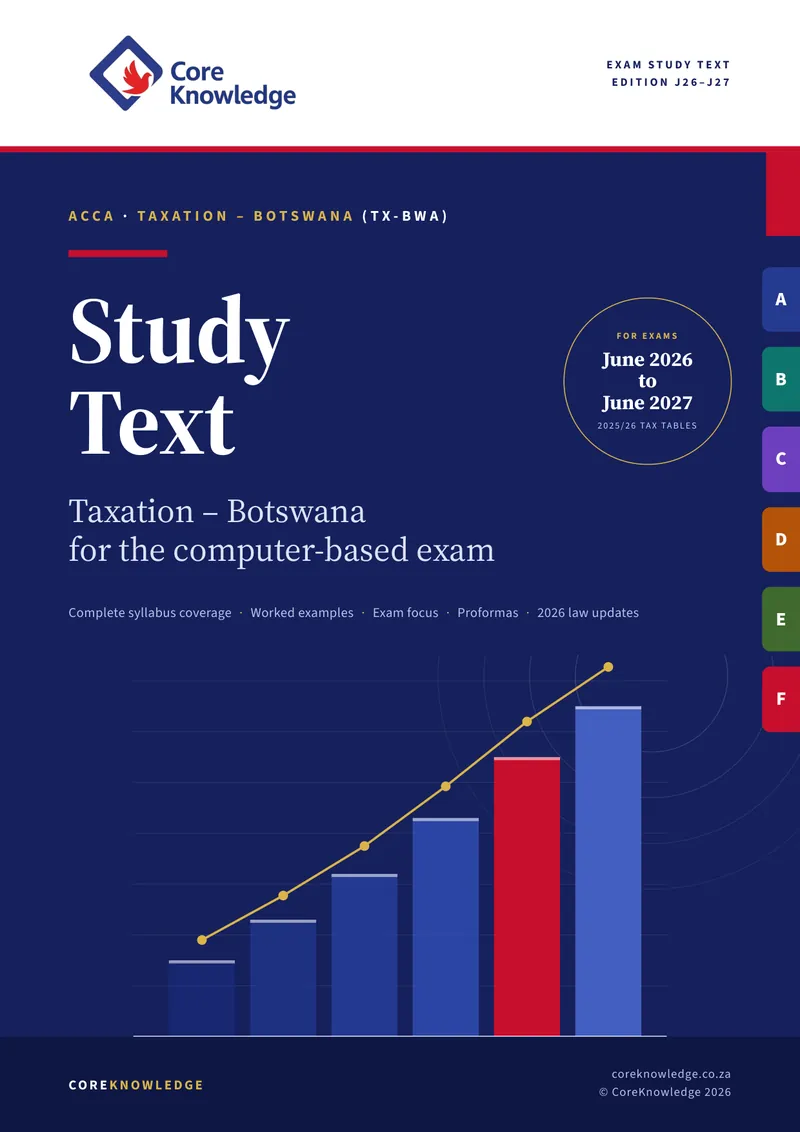 Study Text J26–J27
444 pages, every outcome taught, worked examples. Look inside free. Pairs with the Online Study Course.
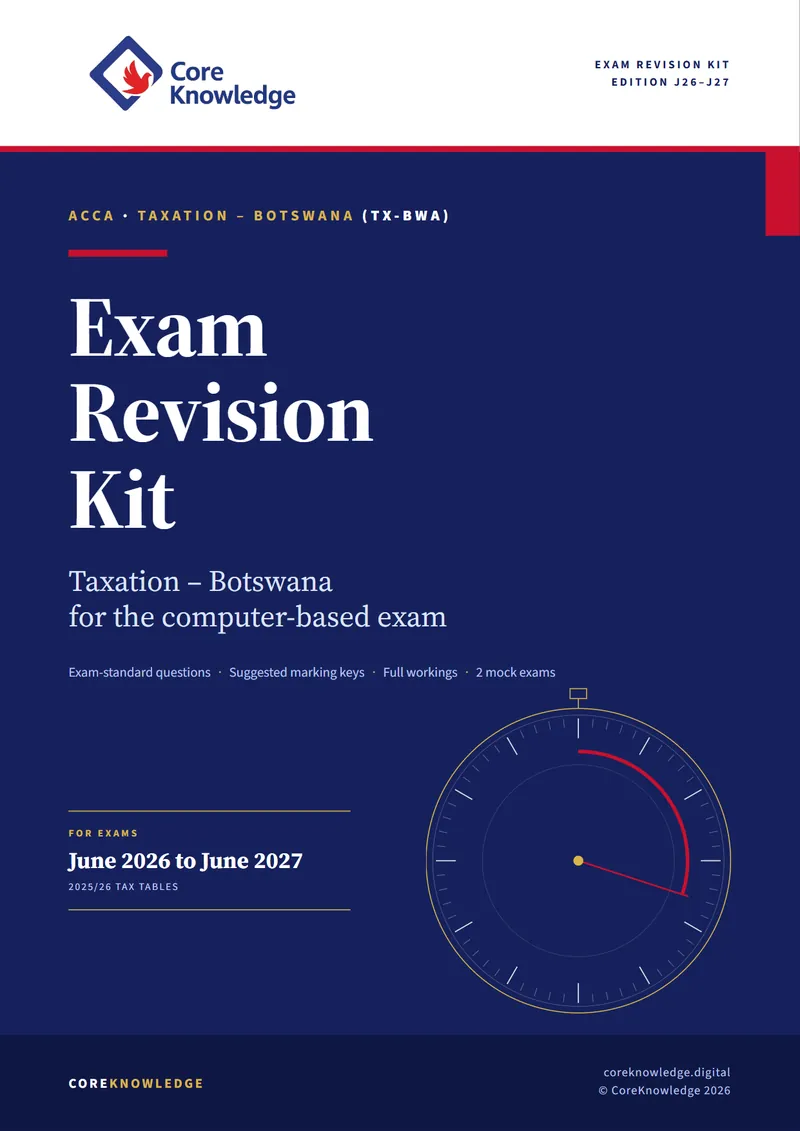 Revision Kit Book J26–J27 NEW
259 exam-standard questions, marking keys, full workings, 2 mocks. Pairs with the Online Revision Kit.
Same Parts and topics as the Online Study Course and the Online Revision Kit, so each Book pairs with its online product. All CoreKnowledge Books
Free test enrolment · 14-day refund policy when paid enrolment opens · Refunds · Terms. Every course ends with a certificate and CPD record; see our Learner Charter.